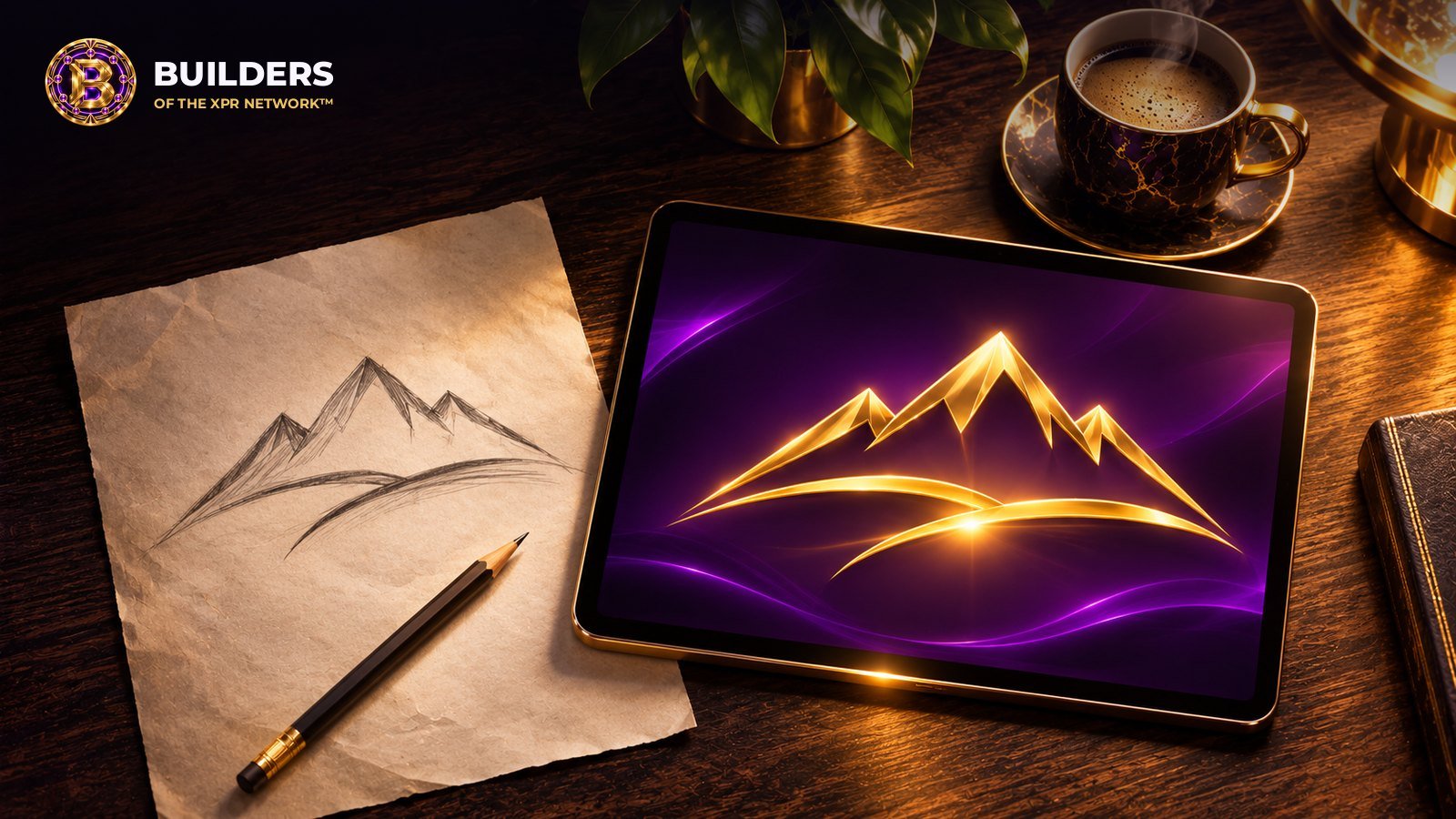
Some of the best logos start on a napkin. Maybe you’ve had a symbol in your head for months, and you’ve drawn it a dozen times in a notebook. The problem is getting from that sketch to a clean, professional file you can put on a website, a shirt or a token.
That’s exactly what the AI Custom Logo in the BUILDERS Studio does. Here’s how to use it.
What you need
- A photo of your sketch, taken with your phone. It doesn’t have to be neat.
- Your business or project name.
- A few sentences about what you do and how you want people to feel.
No drawing skills, no design software and no wallet needed.
Step 1: Snap a clear photo of your sketch
Lay the paper flat in good light and take the photo straight from above. Dark pencil or pen on white paper works best. If you drew a few versions, you can upload up to three.
Step 2: Describe your business in your own words
Open the Logo Maker and scroll to AI Custom Logo. Fill in your brand name and tell it, in plain language, what your business does and who it’s for. Then describe the logo you picture. For example:
“We’re a small coffee roaster in Oakland. Warm, friendly, a little bit premium. My sketch is a coffee bean shaped like a sunrise. Keep it simple enough to work on a cup lid.”
The more you share about the feeling you want, the better the result. You can also list colors you love and anything to avoid.
Step 3: Get four original designs
The AI studies your sketch and your description and draws four original logo concepts in about a minute. Each one follows your idea in a slightly different direction, so you can see options you might not have thought of.
Step 4: Pick, refine and finish
Choose your favorite. Then add your name, choose a font, try one of the suggested taglines, adjust the color and turn on a transparent background. If none of the four is right, ask for a revision and say what to change. You get three rounds.
Step 5: Download your files
Download a high-resolution PNG of the full logo, plus the symbol on its own for app icons and profile pictures. You own the logo you make.
Tips for a better result
- Keep the idea simple. Great logos still read clearly when they’re tiny.
- Say where it will be used. A logo for a token, a food truck and a law firm need different moods.
- Don’t worry about messy lines. The AI reads the idea, not the quality of the drawing.
No sketch? Start free
If you don’t have a drawing, try Design it for me at the top of the Logo Maker. Describe your business and it suggests an icon, colors, font, layout and tagline ideas for free. You only pay if you want to download.
Turn your sketch into a logo today.
Prefer a team to design it for you? Start a project and upload your sketch there.
Want the next guide in your inbox? Join the free BUILDERS list at the bottom of this page. New tools, how-to videos and build tips, one or two emails a week.